

Nissan Leaf Key Not Detected: The Complete Guide to Fixing the Issue

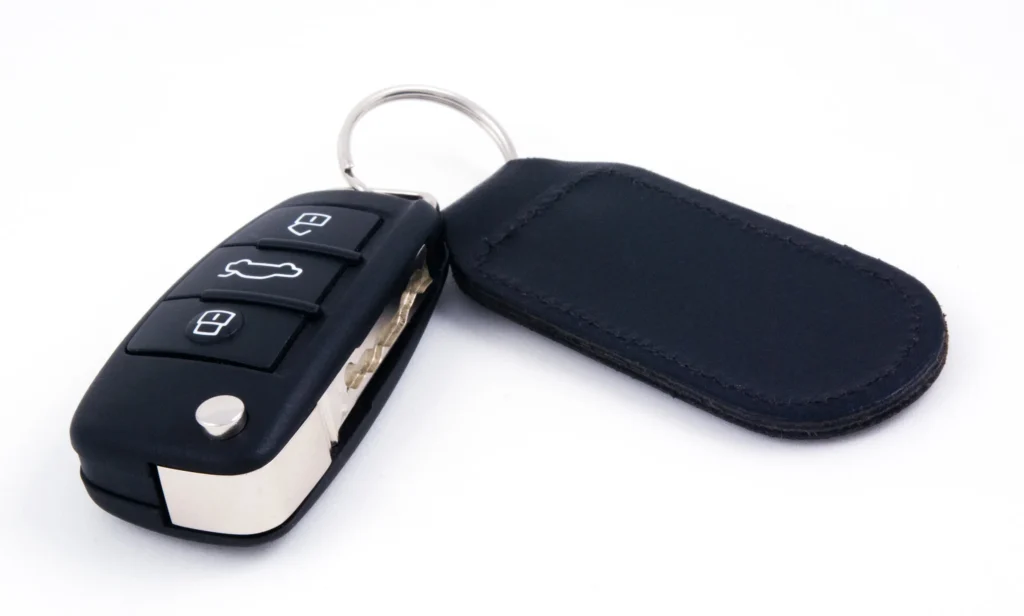
Content in this publication
- Understanding the “Key Not Detected” Message
- What Triggers the “Key Not Detected” Warning?
- Symptoms That Point to a Key Fob Problem
- How to Fix “Nissan Leaf Key Not Detected”: Step-by-Step
- Replace the Key Fob Battery (CR2032)
- Try Starting the Leaf Using the Emergency Method
- Remove Signal Interference Near the Car
- Check for Key Fob Physical Damage
- Try Your Backup Key Fob
- Vehicle Antenna and Sensor Failure
- Diagnosing Antenna Problems Like a Pro
- When the Leaf’s Intelligent Key System Fails
- Reprogramming or Replacing the Nissan Leaf Key Fob
- Rare Causes of “Key Not Detected”
- Preventing Key Fob Issues Long-Term
- When You Should Visit a Professional
- Final Thoughts
- FAQs
Understanding the “Key Not Detected” Message
If you drive a Nissan Leaf, you’ve probably come to love its quiet confidence and futuristic charm. But when that dreaded “Key Not Detected” message pops up, everything suddenly feels less futuristic and more… inconvenient. We’ve been there—holding the key fob up like a medieval talisman, waving it around hoping it magically works.
This guide cuts through the frustration with clear explanations, real-world fixes, and simple diagnostics anyone can try at home.
What Triggers the “Key Not Detected” Warning?
The Leaf is picky—when it can’t establish clean, stable communication with the key fob, it refuses to start. The underlying causes fall into a few predictable categories:
Battery Issues Inside the Key Fob
The most common culprit is a dying CR2032 battery.
Typical signs include:
- Reduced range
- Delayed response
- You needing to stand way closer to the car
Interference Blocking the Signal
Wireless devices can disrupt communication:
- Mobile hotspots
- Wi-Fi routers near the driveway
- Metallic objects
- RFID-heavy environments
Faulty Key Fob Hardware
Sometimes the circuit board or buttons fail with age or moisture.
Car-Side Receiver Problems
The Leaf has antennas near the:
- Door handles
- Center console
- Rear cargo area
If any of these fail, the car might not pick up the signal.
Symptoms That Point to a Key Fob Problem
Your Leaf may be whispering clues long before the warning appears. These subtle hints help diagnose early:
Reduced Operating Range
You need to be much closer than usual.
Intermittent “Key Not Detected”
Sometimes it works… sometimes it doesn’t.
Lock/Unlock Delay
Press a button, and the car reacts slowly.
A dead giveaway of a dying battery or internal fob damage.
How to Fix “Nissan Leaf Key Not Detected”: Step-by-Step
Let’s walk through the complete process, starting with the easy wins.
Replace the Key Fob Battery (CR2032)
A fresh battery solves 70%+ of cases.
Step-by-Step Battery Replacement
- Slide the release tab and remove the mechanical key.
- Pry open the fob with a trim tool (avoid metal tools if possible).
- Remove the old CR2032 battery.
- Insert the new one positive side up.
- Snap the case closed.
- Test lock/unlock.
Battery Replacement Tips
- Avoid touching the battery surfaces (finger oils = corrosion).
- Avoid cheap, unbranded cells (they die quickly).
- Replace both key fob batteries if you own two fobs.
Try Starting the Leaf Using the Emergency Method
Most Leaf owners don’t realize the key fob has a hidden superpower—it can start the car even if the battery is dead.
How to Start Using a “Dead" Key Fob
- Press the brake pedal.
- Touch the fob to the START button.
- Press the button while holding it there.
If the Leaf comes alive, you’ve confirmed a key fob battery or transmitter problem.
Remove Signal Interference Near the Car
Wireless chaos is more common than you think.
Common Interference Sources
- Smartphones inside the same pocket as the fob
- Nearby routers
- Booster antennas
- Security systems
- Microwaves (yes, really)
Quick Fixes
- Move 3–5 meters away from the house or garage
- Separate your phone from the key fob
- Remove metallic cases/pouches
- Hold the fob higher (yes, elevation helps)
Check for Key Fob Physical Damage
Open the fob and inspect:
- Loose battery contacts
- Water damage
- Cracked solder joints
- Corrosion near terminals
If you find anything suspicious, it may be repairable—but usually replacement is easier.
Try Your Backup Key Fob
If the backup fob works perfectly, your primary fob is likely failing internally.
If neither fob works, the car’s antenna system may be at fault.
Vehicle Antenna and Sensor Failure
The Nissan Leaf uses several antennas that detect the fob’s proximity.
Possible Antenna Failure Symptoms
- Fob works near some parts of the car but not others
- Can start the car but not unlock doors
- Works only from the passenger side
Leaf Antenna Locations (Typical)
- Behind door handles
- In center console
- Near rear quarter panel
If these antennas fail, the car becomes “deaf.”
Diagnosing Antenna Problems Like a Pro
You can test antenna zones yourself:
The 3-Zone Test
- Try unlocking from the driver’s side
- Then the passenger’s side
- Then near the tailgate
If one zone consistently fails, that antenna is weak or dead.
When the Leaf’s Intelligent Key System Fails
Sometimes the central control module glitches.
Common Indicators
- Random “Key Not Detected” even with a fresh battery
- Warning lights appear intermittently
- Fob works only after locking/unlocking repeatedly
- Car starts, but won’t power off normally
Quick Resets You Can Try
- Lock/unlock from the mechanical key
- Disconnect the 12V battery for 10 minutes
- Try starting with the fob touching the START button
Reprogramming or Replacing the Nissan Leaf Key Fob
If the fob has become unpaired, corrupted, or internally damaged, you may need a replacement.
Replacement Options
- Nissan dealership
- Mobile automotive locksmith
- OEM-compatible aftermarket fob
Typical Costs
- OEM fob: $180–$350
- Programming: $60–$150
- Total: $240–$500 depending on region
When Reprogramming Is Required
- You replaced the circuit board
- You bought a new fob
- The fob was exposed to moisture
- You disconnected the 12V battery for extended periods
Rare Causes of “Key Not Detected”
Occasionally, the less obvious culprits are responsible.
The start button itself may fail to detect the “tap-to-start” action.
Weak 12V Battery
The Leaf is electric, but its electronics depend heavily on the 12V battery.
A weak 12V supply can cause:
- Random warnings
- Failed fob detection
- Frozen dashboard
Replacing the 12V battery often magically fixes everything.
Preventing Key Fob Issues Long-Term
Treat your fob like a mini computer—it is one.
Pro Tips for Longevity
- Replace the battery annually
- Avoid moisture (rain, sweat, pools, pockets during gym workouts)
- Use a silicone case to protect internals
- Keep the mechanical key handy
- Don’t store near electronics
When You Should Visit a Professional
Call a technician or dealership if you experience:
- Persistent warnings using both fobs
- Slow dashboard booting
- No response when tapping fob to START
- Severe water damage
- Repeated 12V battery drain
These indicate car-side electronic failure, not a fob issue.
Final Thoughts
Dealing with a “Nissan Leaf Key Not Detected” warning can feel like the car is giving you the silent treatment—but with the right approach, it’s almost always fixable.
Whether the solution is a fresh CR2032 battery, reducing interference, or checking the vehicle’s internal antennas, you’re now equipped with everything you need to stay ahead of the issue.
And remember—your Leaf is smart, but even smart things get confused. A little troubleshooting goes a long way.
FAQs
Why does my Nissan Leaf keep saying “Key Not Detected”?
Most commonly due to a dead key fob battery, signal interference, or a failing antenna inside the car.
Can I start my Leaf if the key battery is dead?
Yes—press the brake, then touch the key fob directly to the START button.
How long does a Leaf key fob battery last?
Typically 1–2 years, depending on brand and usage.
Does the Leaf need reprogramming after battery replacement?
No—battery swaps do not erase programming.
How much does a replacement key fob cost?
Between $240 and $500 including programming.
If you want to know other articles similar to Nissan Leaf Key Not Detected: The Complete Guide to Fixing the Issue you can visit the category Common Problems.
Nissan Rogue AC Not Working? Causes, Diagnosis, and Fixes

Kia Sorento Issues: Common Problems, Reliability and What to Watch For

Honda Passport Not Starting: Causes, Symptoms, and How to Fix It
Honda Passport Keyless Remote Battery Low: What It Means and How to Fix It
Nissan Rogue Apple CarPlay Not Working: Causes and Fixes
Nissan Rogue No Key Detected: Causes, Fixes, and What to Do
Leave a Reply
More content of your interest