

Hyundai Kona Key Not Detected: Causes, Fixes & Preventive Guide

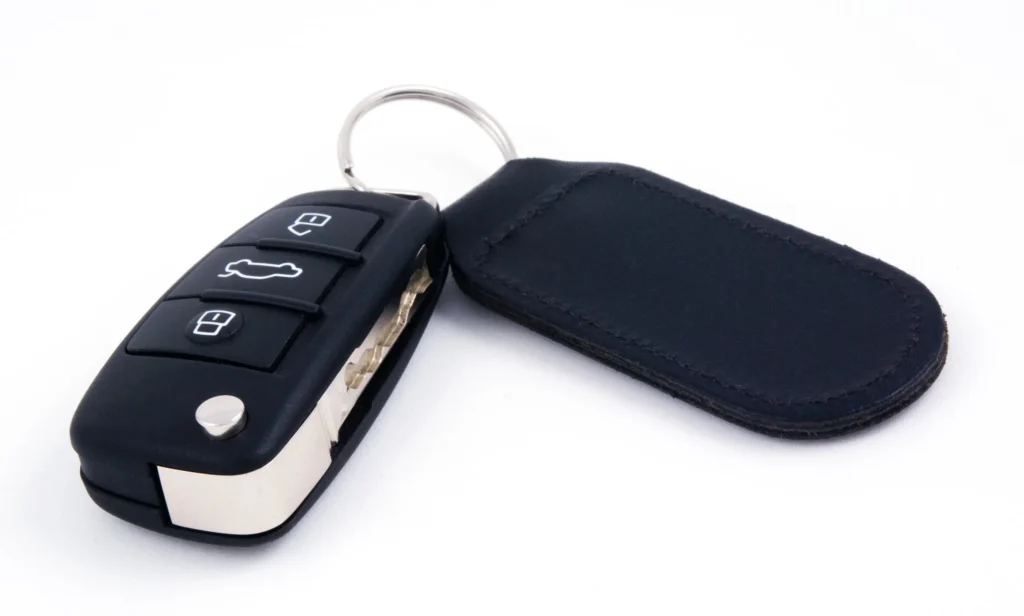
We’ve all experienced those maddening moments when technology decides to rebel at the worst possible time. Standing beside a Hyundai Kona, pressing the start button, and suddenly seeing “Key Not Detected” flash across the dashboard can feel like the mechanical equivalent of being ghosted. One second everything’s fine, and the next the car acts like it’s never met you—or your key.
In this extensive guide, we take a deep dive into why the Hyundai Kona key not detected problem appears, how to fix it swiftly, how to prevent it from returning, and what signs to watch for when your key fob is on its last breath. Our approach balances expert-level clarity and relaxed storytelling—because complex car electronics deserve explanations grounded in both precision and sanity.
Content in this publication
Understanding the “Key Not Detected” Message
What the System Is Actually Telling Us
The message means the Kona’s onboard receiver can’t locate or authenticate the key fob. The key communicates through low-frequency and RFID-style signals. When something interferes with that connection—weak battery, damaged circuitry, environmental interference—the system panics and refuses to start.
How the Kona’s Keyless System Works
To understand the problem, it helps to grasp the basic workflow:
- You press the door handle or push the start button.
- The car sends out a signal searching for a paired key fob.
- The fob answers with a coded response.
- The immobilizer approves or rejects the signal.
Common Causes of Hyundai Kona Key Not Detected
Weak or Dead Key Fob Battery
A fading coin-cell battery is by far the most common culprit.
Signs the Battery Is Dying
- Reduced range
- Delayed button response
- Inconsistent detection
Why It Happens
Key fob batteries typically last 1–2 years. Extreme temperatures, heavy use, or storing the key near wireless devices drains them faster.
Signal Interference
The Kona’s keyless system is sensitive to electromagnetic clutter.
Potential Sources
- Smartphones touching the fob
- Wi-Fi routers and laptops
- Metal keychains
- Underground garages
Why It Matters
If something blocks or scrambles the fob’s return signal, the Kona fails to interpret it.
Damaged or Worn Key Fob
Physical wear or internal component failures also contribute to detection errors.
Typical Damage Types
- Cracked circuits from drops
- Water exposure
- Corroded contacts
- Broken buttons
A worn fob may intermittently fail to communicate.
Car Battery Issues
Even if the Kona starts normally, a weak 12-volt battery can confuse electronic modules.
When to Suspect This
- Slow cranking
- Flickering lights
- Dashboard glitches
Low voltage disrupts the receiver and immobilizer.
Faulty Interior Antennas
Multiple antennas inside the Kona detect the fob’s presence. If one fails, detection becomes sporadic.
Location Examples
- Near the start button
- Under the center console
- Rear cargo area
A failed antenna means incomplete coverage.
Immobilizer or ECU Glitches
Software miscommunication can also trigger the message.
You may be interested in reading Hyundai Kona Losing Power: Causes, Symptoms, and the Complete Expert Fixing Guide
Common Triggers
- Battery jumps
- Module resets
- Voltage irregularities
- Aftermarket electronics
These temporary errors often resolve after a reset.
Immediate Fixes You Can Try
The start button contains a backup RFID reader that works even when the fob battery is dead.
How to do it:
- Press the fob firmly against the button.
- Press the button using the fob itself.
- Wait for detection.
This is the Kona’s built-in emergency method.
Replace the Key Fob Battery
The simplest long-term fix.
Steps
- Remove the emergency key.
- Pry open the fob gently.
- Replace the CR2032 battery.
- Reassemble the fob.
Tips
- Use premium battery brands.
- Avoid touching the battery surface.
- Replace all fob batteries at once.
Move the Key Away From Interference
Try changing pockets or removing objects around the fob.
Suggested Adjustments
- Keep the fob separate from your phone.
- Avoid tight metal keychains.
- Step away from large electrical devices.
Sometimes that alone clears the issue.
Use the Backup Key Slot
Some Kona models feature a hidden slot that ensures detection, typically inside the center console.
Restart the Kona’s Electrical System
A soft reset can clear temporary electronic confusion.
How to Reset
- Turn off the vehicle.
- Open the driver’s door.
- Wait 60 seconds.
- Try starting again.
Check the Vehicle’s 12V Battery
Even slight voltage drops can cause malfunction.
What to Check
- Battery terminals
- Voltage reading
- Corrosion buildup
If below 12.2V, the battery is suspect.
Try the Spare Key
If the spare works normally, the issue lies with the main fob.
If neither works, the receiver or immobilizer may be faulty.
Deeper Diagnostic Steps
Inspect the Key Fob Internally
A visual inspection often reveals hardware issues.
Red Flags
- Cracked solder joints
- Corroded terminals
- Discolored circuits
- Loose components
Test Fob Detection Range
Stand farther away and press Lock.
What It Reveals
- Long range = good fob signal
- Short range = weak battery or internal damage
- No response = possible antenna failure
Scan with an OBD2 Tool
Error codes can pinpoint the faulty system.
You may be interested in readingHyundai Kona Losing Power: Causes, Symptoms, and the Complete Expert Fixing GuideYou may be interested in reading
 Ford Kuga Engine Malfunction Light: Complete Diagnosis, Causes, and Fixes Guide
Common Codes
- B112A – Transponder error
- B1112 – Antenna malfunction
- B110B – Immobilizer communication issue
Professional-Level Solutions
Reprogram or Re-Pair the Key
A technician can re-synchronize the key with the vehicle’s immobilizer.
This is necessary after fob shell swaps, incorrect battery replacements, or software corruption.
Replace Interior Antennas
Failed antennas require replacement.
Costs
- Low-cost parts
- Moderate labor
- Quick installation
Install ECM or BCM Software Updates
Hyundai periodically updates modules to prevent detection issues.
Prevention Tips
Replace Key Fob Batteries Annually
Proactive replacement avoids sudden failure.
Avoid Storing Keys Near Electronics
RF signals interfere with fob communication.
Never Leave Keys in Hot Cars
Heat damages circuits and shortens battery life.
Use a Shock-Proof Protective Case
A silicone or rubber case absorbs impact from drops.
When You Should Replace the Key Fob Entirely
Replace the Fob If You Notice
- Frequent “Key Not Detected” messages
- Completely unresponsive buttons
- Water damage
- Broken internal components
Replacement is handled by Hyundai dealers or certified locksmiths.
Closing Thoughts
Keyless systems are wonderfully convenient—until they’re not. Thankfully, most Hyundai Kona key not detected issues arise from simple causes like weak fob batteries or radio interference. With a little troubleshooting and proactive care, you can keep your Kona’s keyless system running flawlessly.
FAQs
1. What should I try first when the message appears?
Hold the fob against the Start/Stop button. This uses the emergency RFID reader.
2. Can a weak 12-volt battery cause detection errors?
Absolutely. Low voltage affects multiple communication modules.
3. Do all Kona models have an emergency key slot?
Many do, usually hidden in the center console area.
4. How often should key fob batteries be replaced?
Every 12–24 months, depending on usage.
5. How do I know if the key fob itself is faulty?
Look for intermittent operation, poor range, visible cracks, or water exposure.
You may be interested in readingHyundai Kona Losing Power: Causes, Symptoms, and the Complete Expert Fixing GuideYou may be interested in reading
Ford Kuga Engine Malfunction Light: Complete Diagnosis, Causes, and Fixes GuideYou may be interested in reading
 The Most Common Ford Kuga Problems: Full Guide to Issues, Symptoms & Real Fixes
If you want to know other articles similar to Hyundai Kona Key Not Detected: Causes, Fixes & Preventive Guide you can visit the category Common Problems.
Volvo XC60 360 Camera Not Working: Complete Troubleshooting & Fix Guide
Volvo XC60 Key Fob Not Working: Causes, Fixes, and Expert Solutions
Volvo XC60 Low Battery Warning: Causes, Fixes, and Prevention Guide
Volvo XC60 No Sound: Causes, Fixes, and Complete Troubleshooting Guide
Volvo XC60 Common Problems: What Owners Really Experience
Volvo XC60 Issues: The Truth Behind This Popular SUV
Leave a Reply
More content of your interest