

How to Replace the Battery in a Toyota RAV4 Key Fob

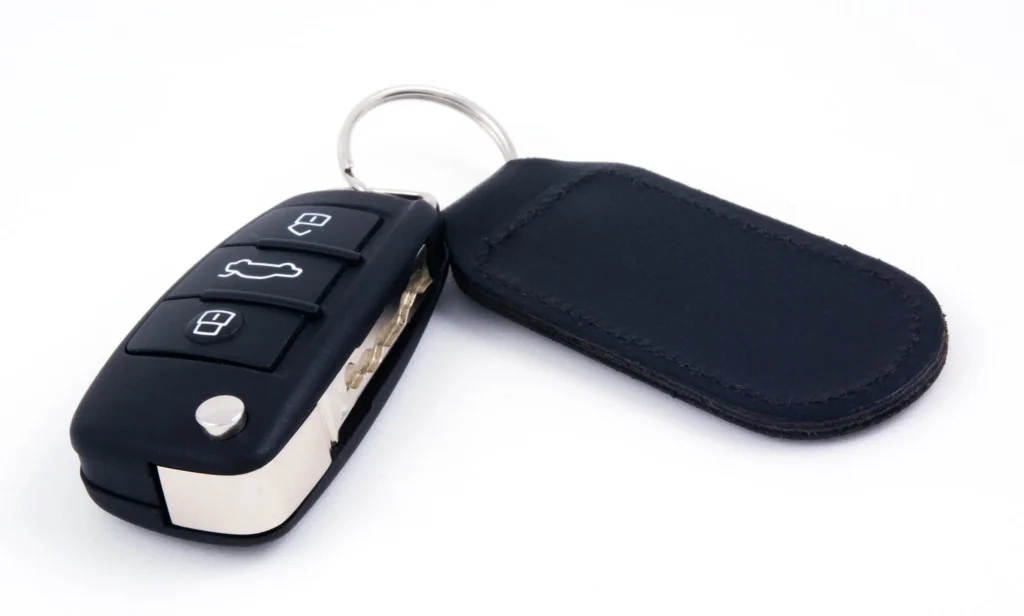
If your Toyota RAV4 only unlocks when you stand right beside it, or the dashboard keeps asking you to replace the key battery, a fresh coin cell may be all you need. We can usually tackle this job at home with a suitable small screwdriver, a clean work surface, and the correct replacement battery.
The quick answer: identify your remote, confirm its battery code, carefully open the housing, replace the coin cell in the specified orientation, and reassemble the key. Many RAV4 Smart Key remotes use a CR2032, while some conventional remote keys use a CR2016. Never buy a battery based on the RAV4 name alone.
In this guide, we’ll walk through both common key designs, explain what to check before opening the case, and troubleshoot a remote that still refuses to work afterward. Set aside around 10–15 minutes for your first attempt; that is a practical allowance, not a guaranteed repair time.
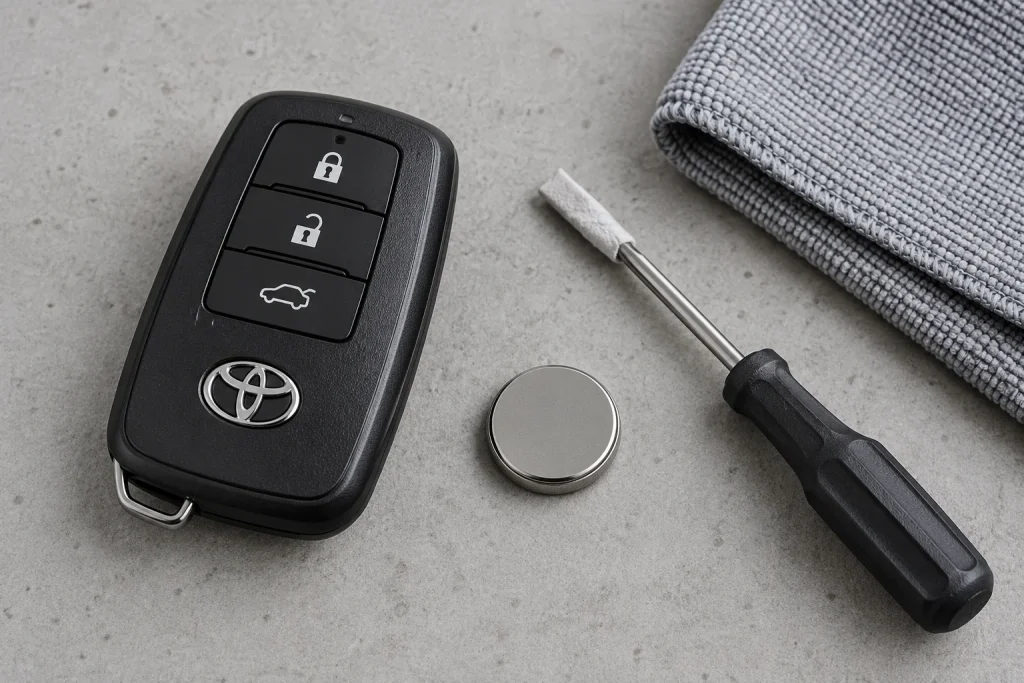
Image note: All images in this guide are original AI-generated illustrations. They show representative key styles and preparation scenes, not exact factory diagrams. Use your vehicle’s owner’s manual for the precise opening points and internal layout.
Content in this publication
- What Battery Does a Toyota RAV4 Key Fob Use?
- Tools and Supplies to Gather Before Starting
- How to Replace a Toyota RAV4 Smart Key Battery
- Step 1: Remove the Mechanical Emergency Key
- Step 2: Identify the Correct Opening Point
- Step 3: Separate the Cover Gently
- Step 4: Confirm the Battery Code and Orientation
- Step 5: Remove the Old Cell
- Step 6: Install the Correct New Battery
- Step 7: Close the Housing and Refit the Key
- Step 8: Test the Remote Near Your RAV4
- How to Replace the Battery in a Conventional RAV4 Remote Key
- Signs Your RAV4 Key Fob Battery May Be Low
- RAV4 Key Fob Not Working After Battery Replacement
- Can You Start a Toyota RAV4 With a Dead Key Battery?
- How Long Should the Replacement Battery Last?
- When Should We Ask a Professional for Help?
- Final Thoughts
- Frequently Asked Questions
What Battery Does a Toyota RAV4 Key Fob Use?
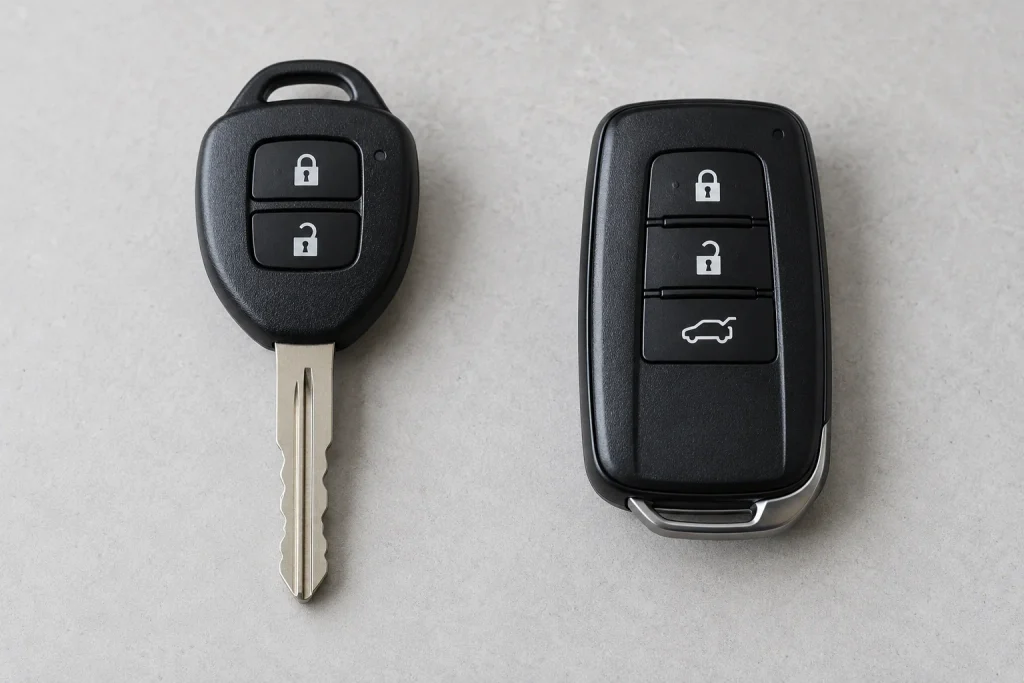
We need to identify the transmitter before choosing a battery. Toyota has sold the RAV4 with different key systems across generations, trim levels, and markets. Replacement remotes can introduce another variation, even when the outside looks familiar.
| Remote type | Battery guidance | What to verify |
|---|---|---|
| Conventional remote key with an ignition blade | CR2016 is specified for some factory designs | Existing cell, internal marking, and the relevant manual |
| Electronic Smart Key for push-button start | CR2032 is specified for many factory designs | Exact transmitter and market specification |
| Aftermarket, replacement, or unfamiliar remote | No universal battery recommendation | Remote manufacturer’s specification or Toyota confirmation |
For example, Toyota’s European RAV4 manual OM42810E distinguishes CR2016 for vehicles without smart entry and start from CR2032 for vehicles with that system. Toyota’s Japanese June 2024 RAV4 electronic-key instructions also specify CR2032. These are documented examples, not a guarantee for every RAV4 produced.
Why a Model-Year Battery Chart Can Be Misleading
A search for “2018 RAV4 key battery” or “2021 RAV4 key battery” may produce one confident answer without asking which key you have. That shortcut can fail when two transmitter types were offered, or when a previous owner changed the remote.
We recommend checking the exact manual and the battery already fitted. If they disagree, don’t assume the old battery was correct: compare the transmitter identification with Toyota or the remote supplier. This is especially useful for imported vehicles and replacement keys with an unknown history.
CR2016 vs. CR2032: The Difference That Matters
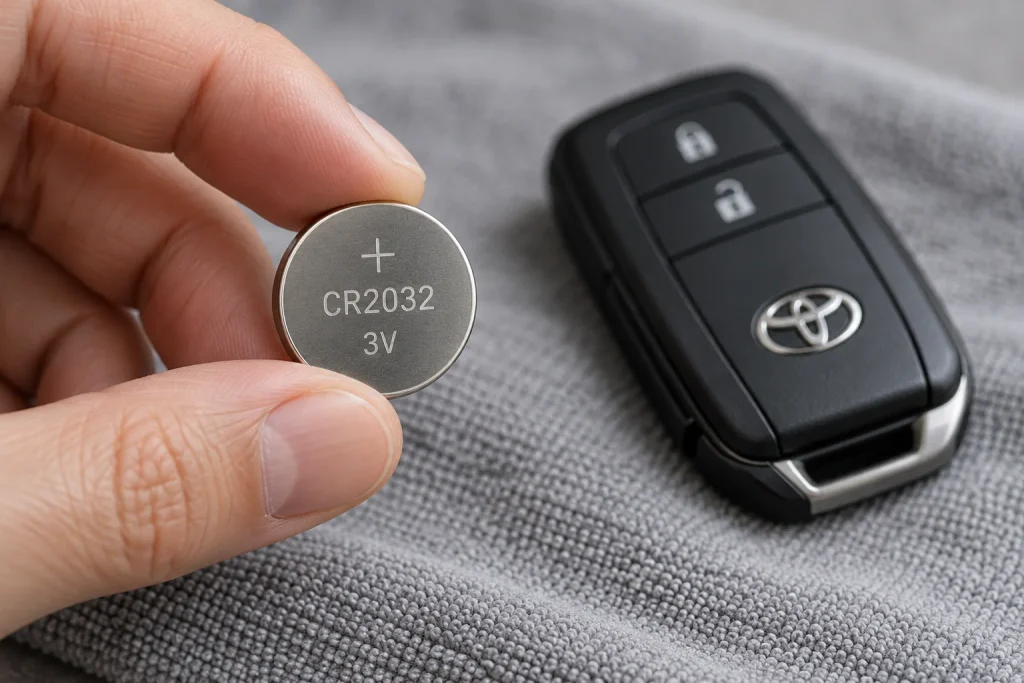
Both batteries have a nominal voltage of 3V and a diameter of 20 mm, but their thickness differs. A CR2016 is 1.6 mm thick; a CR2032 is 3.2 mm thick. That physical difference matters inside a tightly fitted plastic holder.
| Specification | CR2016 | CR2032 |
|---|---|---|
| Nominal voltage | 3V | 3V |
| Diameter | 20 mm | 20 mm |
| Thickness | 1.6 mm | 3.2 mm |
| Interchangeable automatically? | No | No |
A thinner cell may fail to make reliable contact, while a thicker one can strain the holder or stop the case closing. We should use the specified type instead of adding foil, bending contacts, or stacking batteries to make something fit.
Tools and Supplies to Gather Before Starting
- One fresh battery matching the transmitter’s specification.
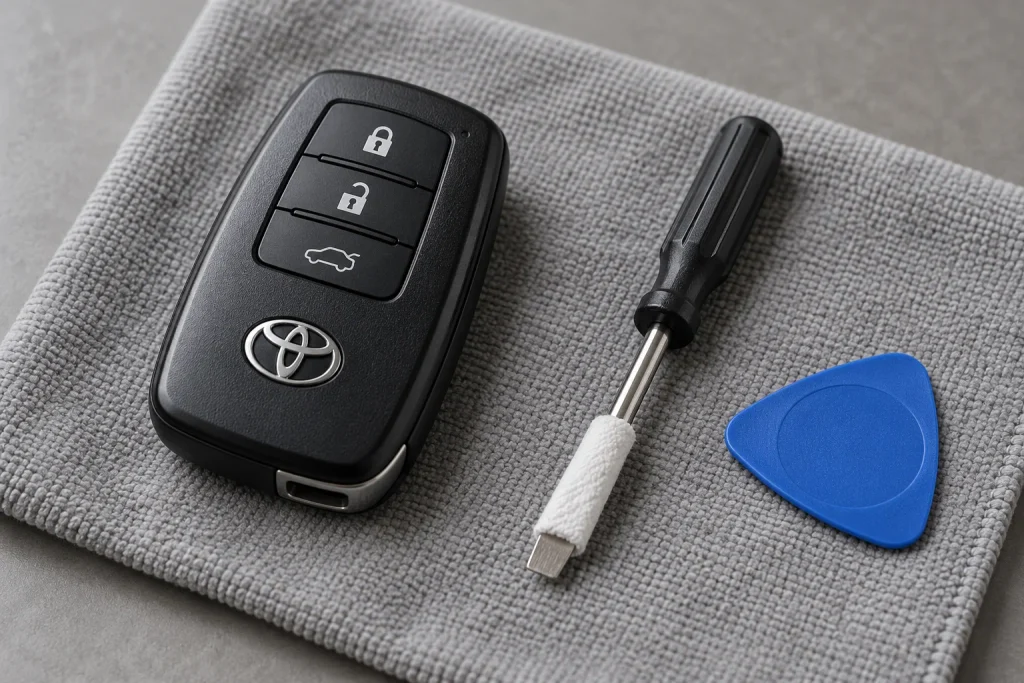
- A small flathead screwdriver that fits the designated opening.
- A thin cloth or suitable protective tape for the screwdriver’s contact surface.
- A soft cloth to keep the key from sliding or getting scratched.
- A small tray for the mechanical key and loose covers.
- Good lighting and, optionally, a phone camera to record the original layout.
We don’t need a scan tool for an ordinary battery replacement. However, a large screwdriver or kitchen knife is a poor substitute for a tool that fits. If the opening point is hard to identify, stop and consult the manual before applying pressure.
Keep Coin Batteries Away From Children
New and used coin batteries must stay out of children’s reach. Swallowing one can cause severe internal injury. If swallowing or insertion into the body is suspected, seek immediate medical help. Keep the removed cell contained while you finish the job, and arrange disposal according to local battery-collection guidance.
Work with dry hands. If the key case is cracked or cannot close securely after reassembly, don’t leave it in use with an accessible battery. Keep it away from children and have the housing checked.
How to Replace a Toyota RAV4 Smart Key Battery
This sequence covers the common removable-mechanical-key Smart Key layout. The exact release catch, opening recess, and module position can vary. Match the instructions to your transmitter before proceeding.
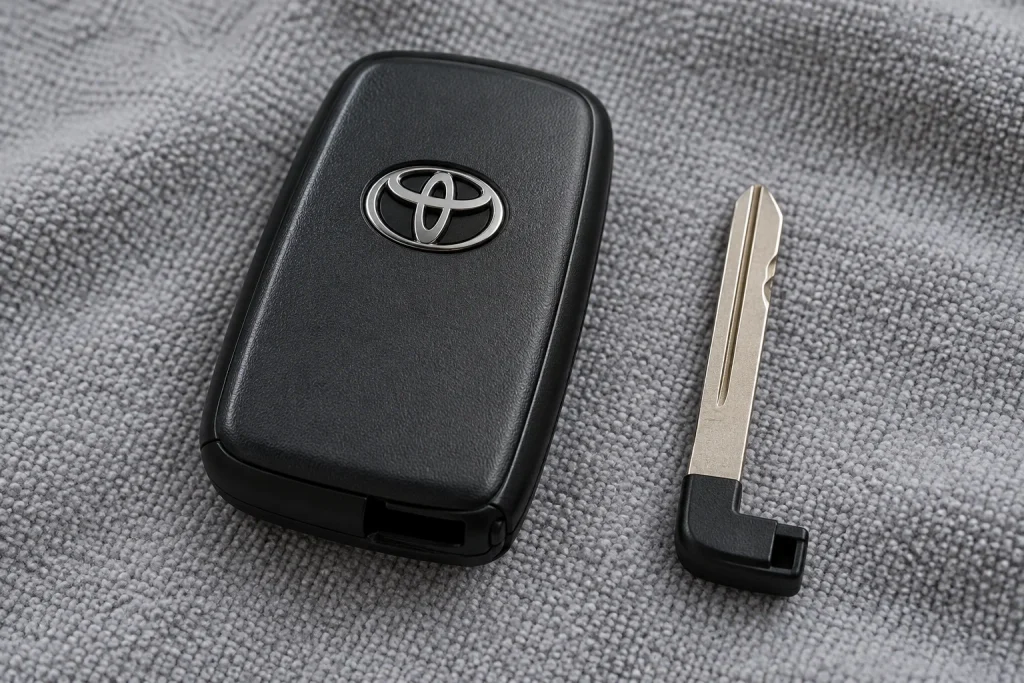
Step 1: Remove the Mechanical Emergency Key
Find the small release catch on the remote. Hold or slide it as required, then withdraw the mechanical key. Put it in the tray so it cannot fall off the workbench.
There is no need to pull hard. If the blade remains stuck, make sure the release is fully operated. We want the latch to disengage before the key moves; forcing the blade can damage the catch.
Step 2: Identify the Correct Opening Point
Look for the cover-opening recess shown in your owner’s manual. On common designs, this becomes easier to see after the mechanical key is removed. Do not treat every gap around the housing as a pry point.
Protect the part of the screwdriver tip that will contact the plastic. Use a tool that fits the recess without needing to be wedged in. A quick look at the manual illustration is more useful than guessing which seam will give way first.
Step 3: Separate the Cover Gently
Support the remote over the cloth and gently turn the protected tool at the designated recess. Lift the released cover away without pulling on the electronics. If you hear plastic cracking or the shell bends noticeably, stop.
The internal module may stay in either half of the housing. Before moving it, note its position and take a photo. If the battery is hidden underneath, handle the module carefully by its edges and expose the battery side as your manual shows.
Step 4: Confirm the Battery Code and Orientation
Read the marking on the installed cell and compare it with the specified replacement. Also note which face is visible and look for polarity markings in the holder.
The Toyota instructions referenced for the common designs in this guide specify the positive (+) face upward, viewed into the open battery holder. Your exact transmitter instructions take priority, particularly if the remote is aftermarket.
Step 5: Remove the Old Cell
Use the release edge or recess provided by the battery holder. Ease the cell out with the appropriate small tool without pressing on the circuit board. Avoid dragging a metal tool across the components or using the contacts as a lever.
Set the removed cell directly into a safe container. If you see corrosion, liquid residue, or a broken contact, a new battery alone may not solve the fault. We should have that damage assessed instead of forcing the holder back into shape.
Step 6: Install the Correct New Battery
Take the fresh cell from its packaging and check the code again. Hold it by the edges, position it according to the holder’s markings, and seat it without excessive force.
It should sit securely in its intended position. If it rocks, feels loose, or stands too high, recheck the size and how it engages with the retaining edge. Closing the cover should never be the method we use to force a battery into place.
Step 7: Close the Housing and Refit the Key
Return the module to its original position if you moved it. Make sure the button pad and any internal cover remain correctly seated. Align the shell halves, then press them together gently until the clips engage.
Check the seam all the way around and confirm that the buttons move freely. Finally, slide the mechanical key back in until it locks. If a gap remains, reopen the case and check alignment instead of squeezing harder.
Step 8: Test the Remote Near Your RAV4
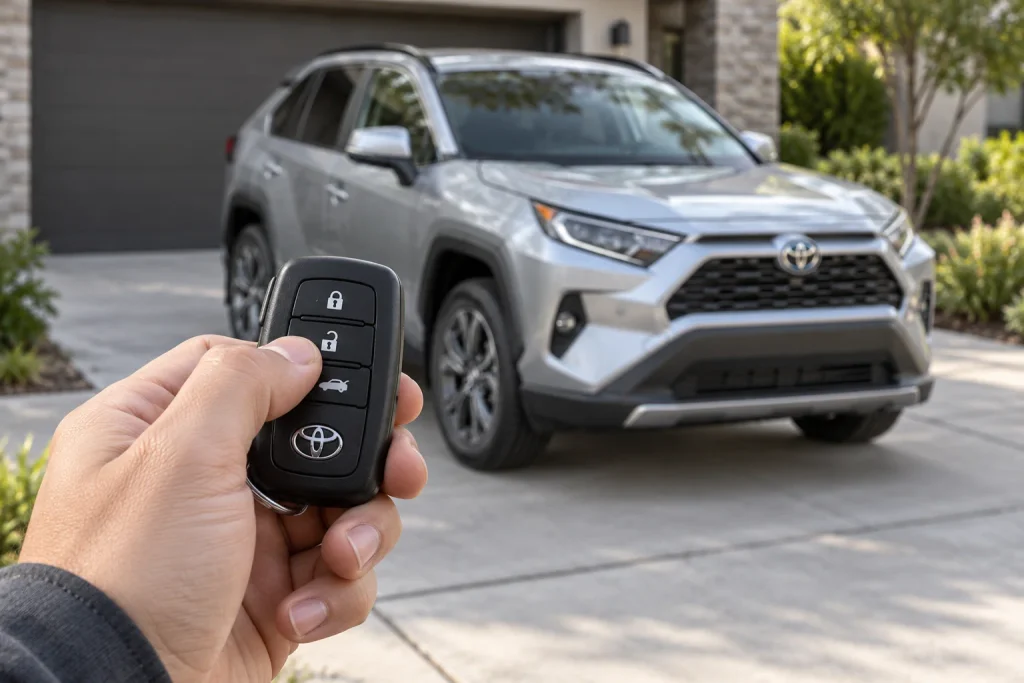
With the vehicle parked safely and the key in your hand, test unlock and lock. Check passive entry if equipped. If you test a power liftgate button, make sure nobody or nothing is in the door’s path.
Keep access to the vehicle while checking the result. We also want to confirm that the vehicle recognizes the key for normal starting. A successful unlock test is useful, but it doesn’t test every function you rely on.
How to Replace the Battery in a Conventional RAV4 Remote Key
A conventional key combines a visible ignition blade with remote-control buttons. Some Toyota designs place the battery inside a small removable module, so opening the outer shell is only the first stage.
- Locate the cover-opening point specified for your key.
- Open the outer cover using the protected, correctly sized tool.
- Lift out the remote module if your design uses a separate one.
- Open its battery cover according to the manual.
- Check the cell code and polarity before removing it.
- Install the specified replacement and close the module.
- Refit the module, close the outer housing, and test the buttons.
CR2016 is a documented specification for certain conventional RAV4 keys, including the design covered in Toyota’s 2006 U.S. manual. We should still check the actual transmitter rather than applying that specification to every bladed Toyota key.
If your housing uses a screw or a different retaining arrangement, follow that design’s instructions. Don’t pry through a fastener, and don’t remove unrelated immobilizer components while changing the remote battery.
Signs Your RAV4 Key Fob Battery May Be Low
The Remote Works Only at Short Range
A shrinking operating range is a common clue. If you previously unlocked the RAV4 from several steps away and now need to stand beside the door, the battery deserves attention. Compare performance in more than one location before deciding the remote itself is defective.
Locking and Unlocking Become Intermittent
Repeated button presses, an inconsistent response, or a key indicator that no longer illuminates can point toward a depleted cell. However, a worn button, interference, or physical damage can produce similar symptoms. We should treat these as clues rather than a diagnosis.
A Key Battery Warning Appears
Depending on the vehicle, a warning message or audible alert may indicate a weak electronic-key battery. Note the exact message: a key-battery alert is different from a problem with the vehicle’s 12-volt battery.
Replacing the coin cell addresses power inside the remote. It does not recharge the car’s battery, repair a door-lock actuator, or resolve every smart-entry fault.
RAV4 Key Fob Not Working After Battery Replacement
If the fresh battery doesn’t restore operation, we can work through a short, orderly set of checks. Replacing the entire key should not be the first conclusion.
| What you notice | What to check next |
|---|---|
| No response after the swap | Battery code, polarity, and seating |
| Operation changes when the case is squeezed | Loose cell, poor contact, or incorrectly seated module |
| One button fails but others work | Button pad alignment or a worn switch |
| Both keys fail in the same place | Interference or a vehicle-side issue |
| New cell drains unusually quickly | Stuck buttons, storage conditions, or remote damage |
Recheck the Simple Installation Details
Open the case carefully and confirm the replacement matches the required code. Check that its positive and negative faces are correctly oriented and that it is held securely. Look for packaging film that should have been removed, without peeling away the battery’s own insulating parts.
A battery from a newly opened packet can still be weak or faulty. Trying another fresh cell of the correct specification can help separate a battery problem from a remote problem.
Compare With the Spare Key
If the spare works normally in the same position, focus on the remote you opened. Check for a trapped button pad, shifted module, or damage that happened before the battery change.
If neither key works, consider the vehicle and the surroundings too. Try away from obvious sources of interference. If the vehicle also has weak interior lighting or other electrical symptoms, have its 12-volt battery and electrical system checked.
Does the Key Need Reprogramming?
A normal coin-cell replacement generally does not require the existing key to be registered again. Toyota’s battery-replacement procedures describe replacing the cell and reassembling the remote without adding a programming step.
That is different from buying a new transmitter or replacing its electronics. If the original key still fails after the basic checks, ask Toyota or a qualified automotive locksmith to diagnose it before paying for programming.
Can You Start a Toyota RAV4 With a Dead Key Battery?
On applicable Smart Key models, Toyota provides a backup starting procedure. For the 2020 RAV4 gasoline model documented here, select Park, hold the brake pedal, and touch the Toyota-emblem side of the electronic key to the engine switch. After recognition, follow the display prompt and press the switch while maintaining firm brake pressure.
Toyota describes a corresponding procedure using the power switch for the 2021 RAV4 Hybrid. On a hybrid, confirm the READY indication rather than assuming the gasoline engine must immediately run. Follow your own manual because details can vary.
The removable mechanical key can provide door access on applicable models. These backup procedures help with a depleted transmitter battery; they do not fix a discharged vehicle battery. If the vehicle still fails to respond, seek assistance rather than repeatedly attempting to start it.
How Long Should the Replacement Battery Last?
Toyota gives a typical electronic-key battery life of around one to two years in some RAV4 manuals. Treat that as a reference range, not a replacement deadline or guarantee. Usage, battery condition, and storage circumstances affect the result.
We recommend responding to symptoms instead of waiting for complete failure. Keep the spare key accessible, avoid storing the remote where its buttons remain pressed, and follow Toyota’s guidance about keeping it away from electrical devices that can affect operation.
If a correctly installed cell repeatedly fails after a very short period, record the replacement dates and symptoms. That pattern is more useful to a technician than simply saying the key is unreliable.
When Should We Ask a Professional for Help?
Stop if the housing will not release with the specified method, the contacts are damaged, or the remote has signs of water intrusion. A locksmith or Toyota service department can inspect the transmitter and distinguish a battery fault from damaged electronics.
Before approving a repair, ask whether the quote covers a battery change, a replacement shell, or a complete registered key. Those are different jobs. For an ordinary cell replacement, the important result is a securely closed remote that operates reliably, not a particular brand name printed on the packaging.
Final Thoughts
Learning how to replace the battery in a Toyota RAV4 key fob starts with identifying the correct remote. Once we have confirmed the battery code and opening procedure, the job is usually straightforward: open carefully, preserve the internal layout, install the right cell, and test the reassembled key.
Keep the owner’s manual nearby, treat the small clips gently, and avoid improvising with a battery that almost fits. If the remote still fails, a few targeted checks can help us decide whether the issue is the cell, the key, or the vehicle.
Frequently Asked Questions
1. Do All Toyota RAV4 Key Fobs Use CR2032?
No. CR2032 is used by many Smart Key transmitters, but some conventional RAV4 remote keys use CR2016. Other transmitter designs need their own specification checked. Verify the exact manual and battery marking before buying.
2. Which Side of the Battery Faces Up?
The Toyota procedures referenced for the common designs here specify the positive (+) face upward in the open holder. Confirm the polarity markings and the instructions for your transmitter, especially if it is an aftermarket remote.
We should wait for the specified type. Matching diameter and voltage does not guarantee a proper fit. Avoid shims, foil, stacked cells, or bending contacts to compensate for a different thickness.
4. Why Is the Key Battery Warning Still Showing?
Confirm the cell is fresh, correctly fitted, and the specified type, then check again during normal vehicle operation. If another key is inside the vehicle, check that key too. Persistent warnings need diagnosis; we should not assume there is a universal reset sequence.
5. Does a Hybrid RAV4 Need a Special Key Fob Battery?
The transmitter design determines the coin-cell specification. We should not choose a battery simply because the vehicle is a hybrid or plug-in hybrid. The key battery is separate from both the traction battery and the vehicle’s 12-volt battery.
If you want to know other articles similar to How to Replace the Battery in a Toyota RAV4 Key Fob you can visit the category Service and Parts.
Vauxhall Mokka Tyre Pressure Reset: Complete Guide

How to Reset the Tire Pressure System on Your Hyundai Tucson

Hyundai Kona Tire Pressure: Complete PSI Guide

Vauxhall Corsa Timing Belt Replacement Cost UK 2026

Mazda CX-5 Tire Size Chart: 2013–2026 Guide

How to Reset a Honda Civic: Complete Step-by-Step Guide
Leave a Reply
More content of your interest