

Volkswagen Golf Dashboard Warning Lights and Symbols


A warning on the Golf’s instrument panel is easier to interpret when we identify the symbol, its color, whether it flashes, and the accompanying text. A red oil-pressure alert demands a different response from an amber oil-level notification, and a diesel preheat symbol changes meaning when it appears with the engine already running.
This illustrated guide explains common Volkswagen Golf dashboard warning lights and symbols, with each small image beside its meaning. We cover urgent warnings, engine-management lights, diesel-specific alerts, and everyday operating indicators.
Coverage: This is a practical cross-generation guide to common Golf symbols, especially those found across Mk6, Mk7, and Mk8 equipment. It is not an exhaustive specification for every year. GTI, R, TDI, eTSI, GTE, and other versions can differ. Images are Volkswagen reference illustrations; shapes and colors can vary with the cluster and market. Use the handbook matching your vehicle for the final instruction. High-voltage and charging warnings on the e-Golf and plug-in hybrids require their powertrain-specific guidance.
Content in this publication
- What Do Volkswagen Golf Warning Light Colors Mean?
- Why Are Several Lights On Before Startup?
- Red Volkswagen Golf Warning Lights
- Amber Warning Lights, Faults, and Safety Reminders
- 9. EPC Warning Light
- 10. Check Engine or Emissions Warning
- 11. Amber Engine Oil Level Warning
- 12. ABS Warning Light
- 13. ESC or ESP Stability-Control Indicator
- 14. ESC OFF or Traction Control OFF
- 15. Tire Pressure Warning Light
- 16. Airbag and Seat-Belt Pretensioner Warning
- 17. Passenger Airbag OFF Indicator
- 18. Seat Belt Reminder
- 19. Door Open Warning
- 20. Exterior Bulb or Vehicle Lighting Warning
- 21. Low Windshield Washer Fluid
- 22. Low Fuel Level Warning
- 23. Amber Central Warning Triangle
- 24. Automatic Gearbox Malfunction Warning
- Diesel Golf Warning Lights: TDI, DPF, and AdBlue
- Driver Assistance and Normal Operating Indicators
- What Should We Do When Several Golf Warning Lights Appear?
- Can We Reset Volkswagen Golf Dashboard Warning Lights?
- Understanding Your Golf’s Dashboard
- Frequently Asked Questions
What Do Volkswagen Golf Warning Light Colors Mean?
| Color | General meaning | What we should do |
|---|---|---|
| Red | Urgent fault, immediate action, or a safety-related status | Identify the symbol immediately. Stop safely for critical warnings. |
| Amber / yellow | A fault, caution, unavailable system, or selected function | Read the message and address the condition promptly. |
| Green | A system is operating or enabled | Usually informational, with continued driver responsibility. |
| Blue | High-beam headlights are on | Check that the lighting is appropriate. |
| White / gray | Information, standby, or feature status | Interpret the icon in its display context. |
Color alone does not establish whether the car is safe to drive. A red parking-brake indicator can be normal while parked. An amber engine warning with severe shaking deserves immediate attention even though it is not red.
Why Are Several Lights On Before Startup?
Many lamps appear when the ignition is switched on as part of a function check. Some clear after the engine starts or the vehicle moves. This expected sequence differs from a warning that appears during a journey.
Watch for lights that remain on and read their messages. Do not assume that every symbol should disappear within the same number of seconds, or that clearing a message means a fault has been repaired.
Red Volkswagen Golf Warning Lights
1. Red Engine Oil Pressure Warning
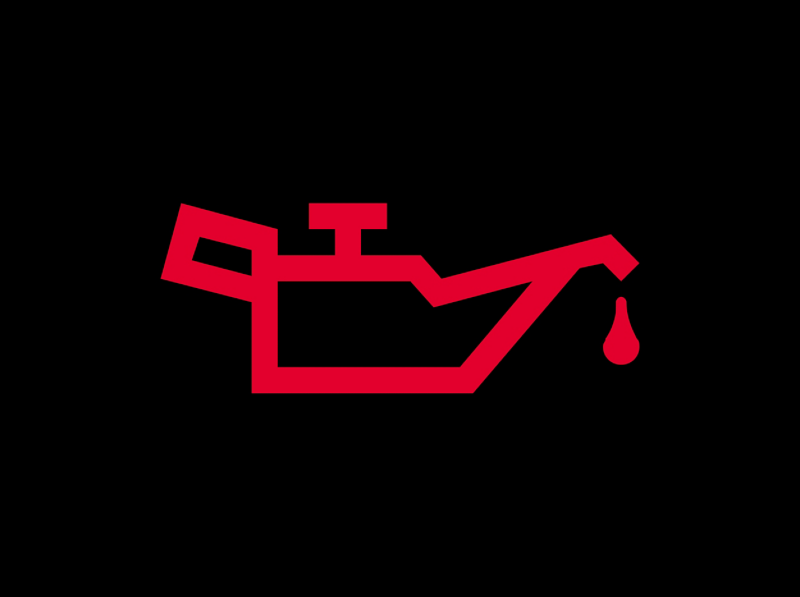 | Stop safely and switch off the engine. |
The red oil can warns that lubrication pressure is too low. We should stop as soon as it is safe and turn the engine off. This is not a routine reminder to book an oil change.
Check the level using the procedure in the handbook. If it is correct, do not continue the journey: adequate quantity does not prove adequate pressure. Arrange assistance. If oil is low, follow the vehicle-specific topping-up guidance; a warning that persists requires professional attention.
2. Engine Coolant Warning
 | Red · Coolant level, temperature, or system fault. |
The thermometer-and-waves symbol can indicate low coolant, overheating, or a cooling-system malfunction. The temperature gauge and written message help identify the situation.
Stop safely and switch off if the warning requires it. Never open the coolant pressure cap while the engine is hot. Steam or hot liquid can escape under pressure. We should not keep driving because the temperature reading appears normal when a red coolant warning remains.
3. Brake System Warning
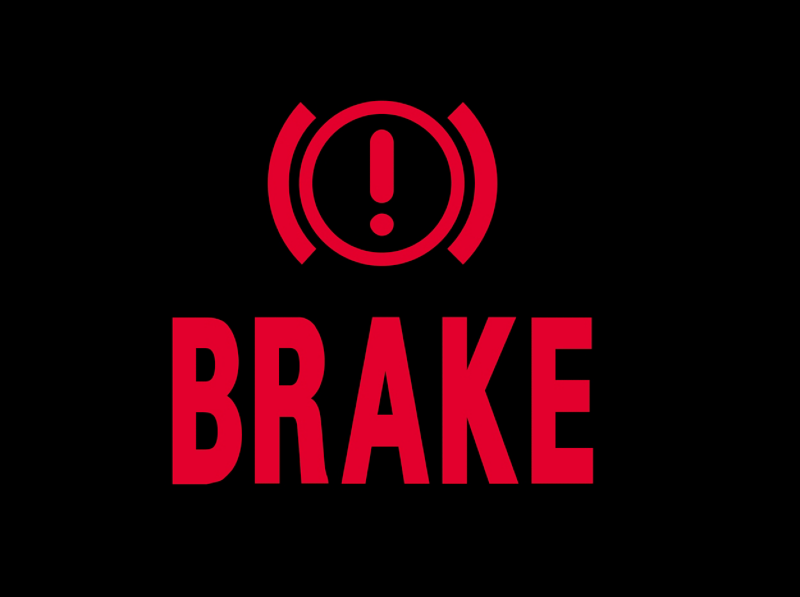 | Red · Check parking-brake status; persistent warnings require a safe stop. |
Depending on the Golf’s equipment, this symbol can accompany an applied parking brake or warn of low fluid or a brake-system fault.
If it stays on after the parking brake is released, stop safely and arrange assistance or immediate inspection. A soft pedal, fluid leak, or longer stopping distance increases the concern. We should not assume that topping up fluid repairs the cause of a low level.
4. Electronic Parking Brake Indicator
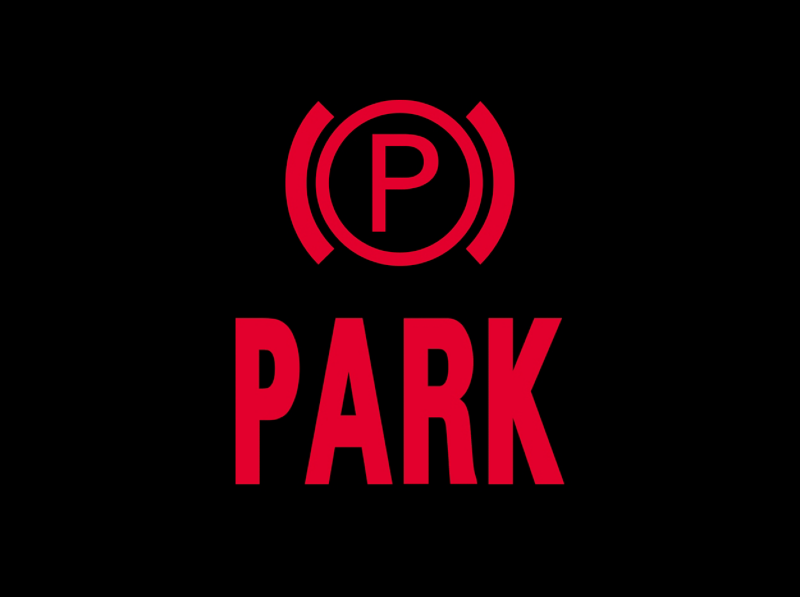 | Red P · The parking brake is engaged. |
A steady parking-brake indication is normally expected while the brake is applied. On equipped Golfs, release it using the prescribed procedure before moving.
If the indicator flashes, the brake does not release, or a fault message appears, read the instructions and obtain assistance where necessary. Do not accelerate against an engaged brake. The normal red P status is different from a braking-system malfunction or a parking-brake fault message.
5. Battery and Charging System Warning
 | Red · A 12-volt charging or electrical-system issue. |
The battery graphic can indicate a charging-system malfunction. It does not automatically prove that the battery itself has reached the end of its life.
If it appears with the engine running, find a safe place to stop and seek advice. The vehicle may have limited usable electrical power remaining. On eTSI or plug-in hybrid versions, identify the exact message rather than assume every battery symbol refers to the electrified drivetrain’s battery.
6. Red Steering Warning
 | Stop safely · Steering assistance or the steering system needs attention. |
A red steering-wheel warning deserves immediate attention. Steering effort may change, and the symbol can be accompanied by a message concerning the steering system or column lock.
Keep control, slow down carefully, and stop safely. Follow the model-specific instructions. If the vehicle cannot be steered safely, arrange recovery. We should distinguish this urgent red indication from an amber steering warning and avoid applying another model’s reset routine.
7. DSG Transmission Temperature Warning
 | Red · The transmission is too hot. |
On relevant DSG-equipped Golfs, a red transmission-temperature alert requires prompt action. Read the exact message and stop safely when instructed.
Follow the handbook’s cooling procedure, including its directions about the selector and engine state. These instructions should not be replaced with one generic rule for every gearbox. We should not continue in stop-start traffic to see whether the message clears, particularly if shifting becomes abnormal or drive is lost.
8. Red Central Warning Triangle
 | Urgent general alert · Read the accompanying message. |
The red triangle with an exclamation mark is a central warning. It calls attention to another condition rather than naming a single failed component.
Follow any instruction to stop immediately when safe. The written message is essential: a triangle alone cannot tell us whether the concern involves braking, the engine, or another system. Acknowledging the message or dismissing it from the screen does not resolve the underlying issue.
Amber Warning Lights, Faults, and Safety Reminders
9. EPC Warning Light
 | Amber · Electronic Power Control / engine-control malfunction. |
EPC stands for Electronic Power Control. On applicable petrol Golfs, it indicates an engine-control problem and can be accompanied by reduced power.
We should arrange diagnosis rather than assume the throttle body or accelerator pedal must be replaced. The warning covers a system, not one part. If response is poor, the engine runs roughly, or the car loses substantial power, stop safely and seek assistance. Note any additional warning lamps for the technician.
10. Check Engine or Emissions Warning
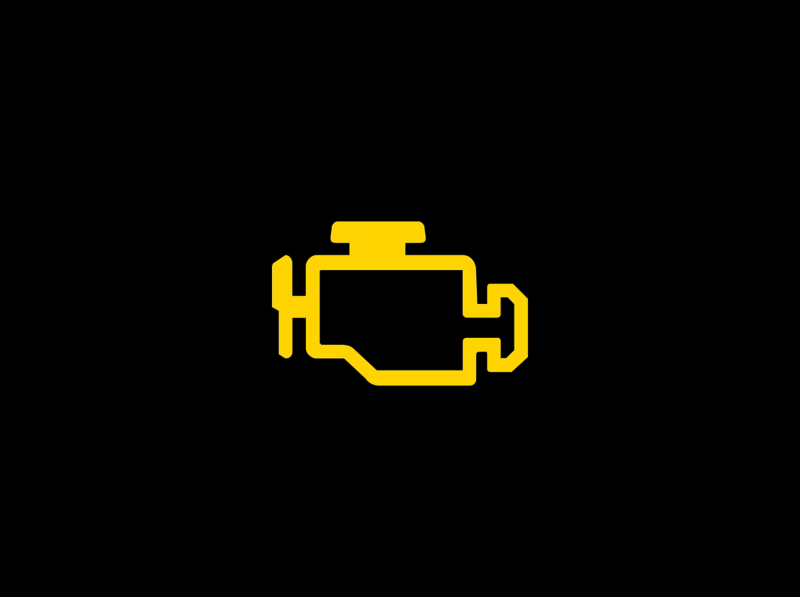 | Amber · Engine-management fault; flashing can indicate misfire. |
The engine-shaped symbol reports a monitored engine or emissions problem. A steady lamp needs timely diagnosis, even if the Golf seems to run normally.
A flashing lamp is more concerning because misfire can damage the emissions system. Avoid heavy acceleration. If the engine shakes, power falls significantly, or the warning persists, stop safely and seek assistance. We should not confuse this symbol with EPC: the two can appear together but do not identify the same specific fault.
11. Amber Engine Oil Level Warning
 | Check the level · Different from the red oil-pressure warning. |
An amber oil-level indication calls for stopping somewhere safe to check the oil and following the displayed instruction. Low level may require the correct oil to be added, while some versions can also warn of an excessive level.
A flashing warning can point to a level-sensing problem. Do not add oil blindly: overfilling is not a remedy. We should verify the level first and arrange inspection if the message and actual level disagree.
12. ABS Warning Light
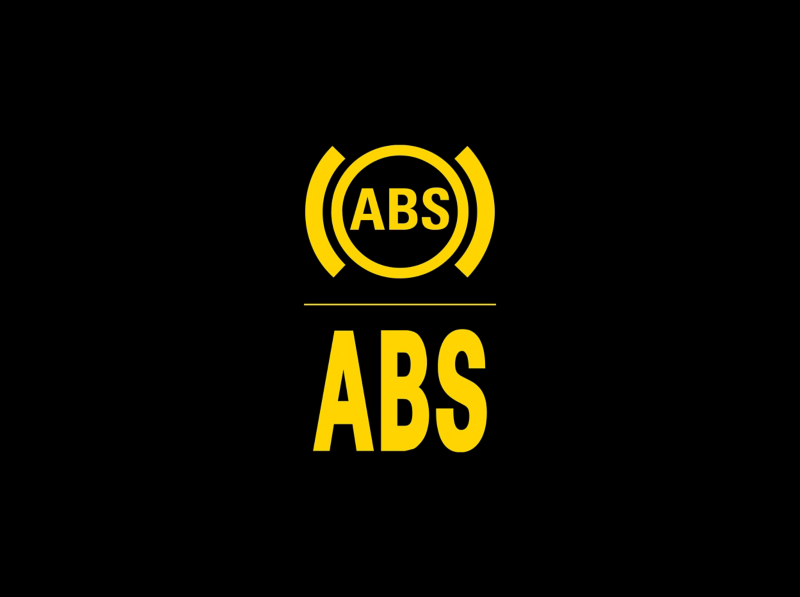 | Amber · Anti-lock braking assistance has a malfunction. |
The ABS symbol concerns the anti-lock braking function. Arrange inspection promptly and do not assume that hard-braking performance will be unchanged.
If the red brake warning appears too, or braking feels abnormal, stop safely and obtain assistance. An isolated icon cannot identify which sensor, connection, or hydraulic component is involved. We should have the relevant braking-system fault information read rather than rely only on a basic engine-code scan.
13. ESC or ESP Stability-Control Indicator
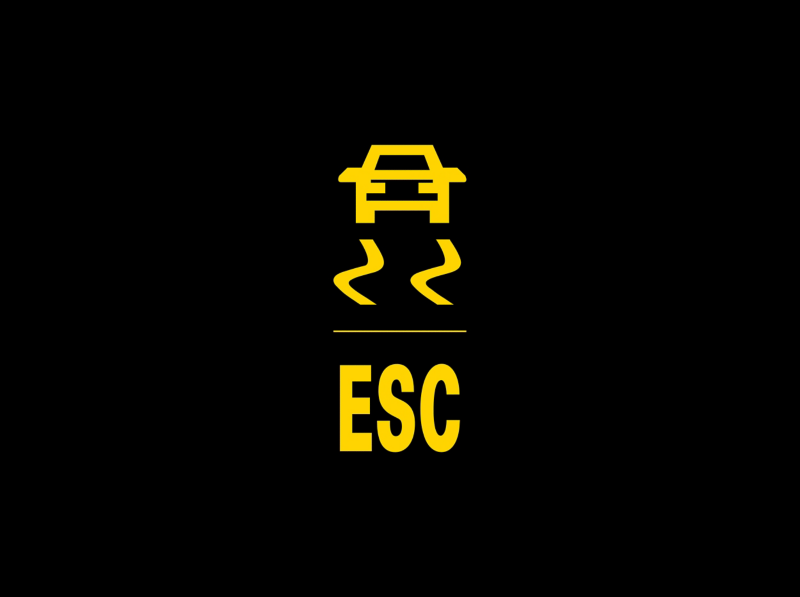 | Flashing · Intervention. Staying on · Check status and messages. |
The skidding-car symbol can flash during traction or stability intervention. Ease off the accelerator and adapt speed to the available grip.
Continuous illumination can have several explanations, including a fault or system deactivation; the selected setting and accompanying message matter. We should not diagnose a failed wheel sensor from the light alone. A warning that remains after normal startup and driving checks needs investigation, particularly when ABS or other chassis warnings also appear.
14. ESC OFF or Traction Control OFF
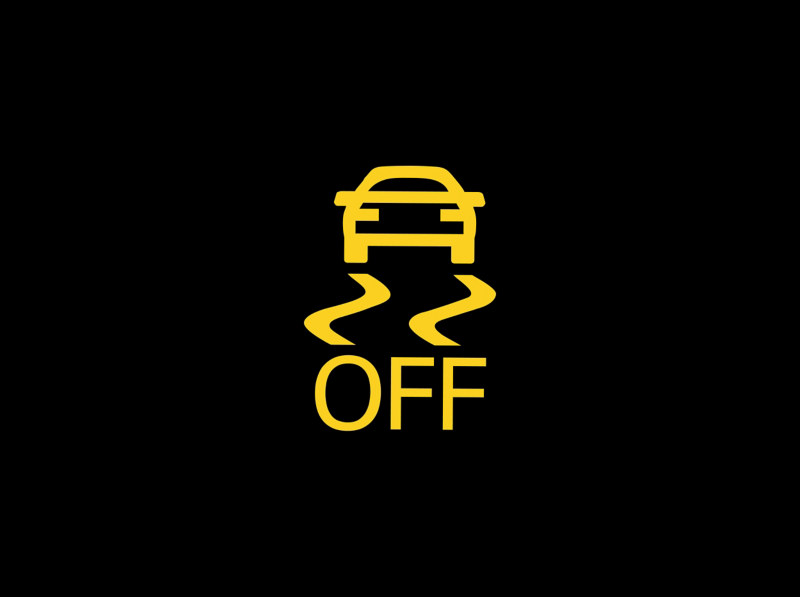 | Selected state · A stability or traction function is restricted or disabled. |
The OFF indication can follow a deliberate setting or a sport-mode selection on applicable versions. It is different from the stability indicator flashing while the system helps control wheelspin.
Check the vehicle’s selected mode and restore its normal road configuration when appropriate. Golf GTI and R settings can differ from those of other trims. If the function cannot be restored or a malfunction message appears, arrange inspection.
15. Tire Pressure Warning Light
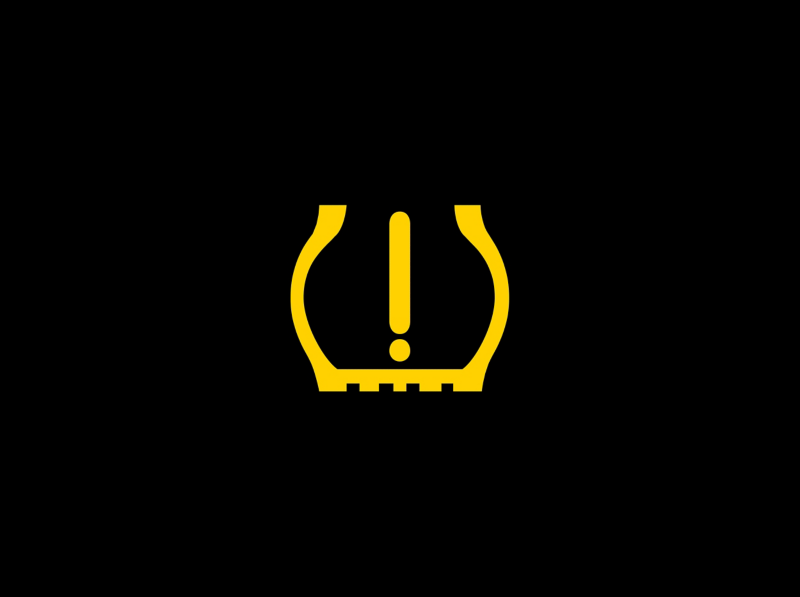 | Amber · Check tire pressures; a flashing warning may indicate a system fault. |
The tire-shaped exclamation mark can indicate pressure loss. Stop safely, inspect the tires, and measure pressures when cold using the values on the vehicle label.
Golf monitoring systems vary by generation and market. Some infer pressure changes from wheel behavior; others use pressure sensors. Follow the correct storage or calibration procedure only after inflation and tire condition are correct. We should never store a new reference merely to extinguish a warning without checking for a leak.
16. Airbag and Seat-Belt Pretensioner Warning
 | Amber · A restraint-system malfunction needs inspection. |
This symbol concerns the airbags or associated restraint equipment. A fault can affect the protection available in a collision even when the vehicle drives normally.
Arrange diagnosis promptly. Do not probe airbag connectors or disconnect under-seat wiring as a trial repair. We should also distinguish this warning from the passenger-airbag OFF status indicator, which can be intentional under the correct conditions.
17. Passenger Airbag OFF Indicator
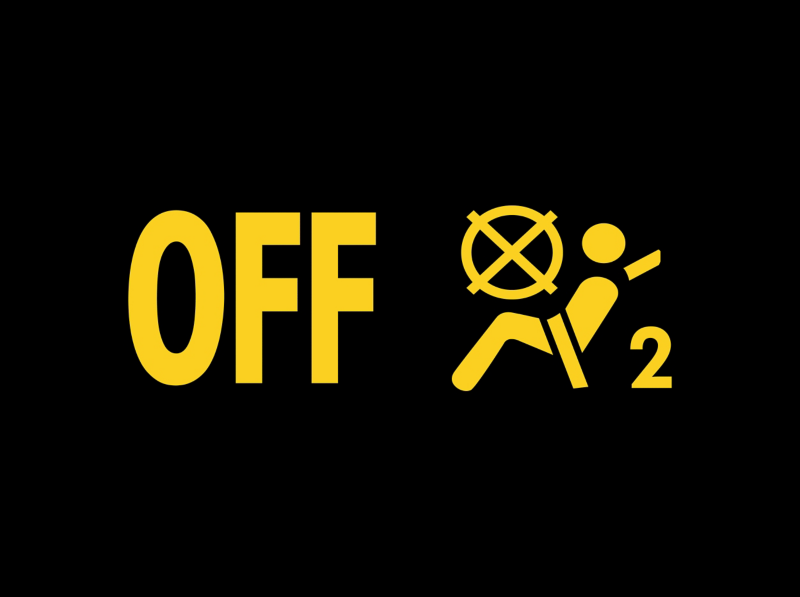 | Status indicator · The front passenger airbag is switched off. |
The passenger-airbag OFF display reports deactivation rather than automatically indicating a malfunction. Its meaning depends on the vehicle’s airbag controls and occupant-detection arrangement.
Confirm that the status is appropriate for the occupant and any child restraint, following the Golf handbook and restraint instructions. If it is unexpected or appears alongside a restraint fault, have the system checked. We should not dismiss an unfamiliar OFF indication without understanding why it is present.
18. Seat Belt Reminder
 | Red · A monitored occupant needs to fasten a seat belt. |
The seat-belt symbol and any accompanying chime remind us to secure the relevant occupant. Check the seating-position display where fitted.
If the reminder continues despite correct belt use, investigate the indicated seat rather than silence it with a buckle insert. The sensing arrangement differs between generations. Everyone should be properly restrained before the car moves, regardless of whether a reminder is active.
19. Door Open Warning
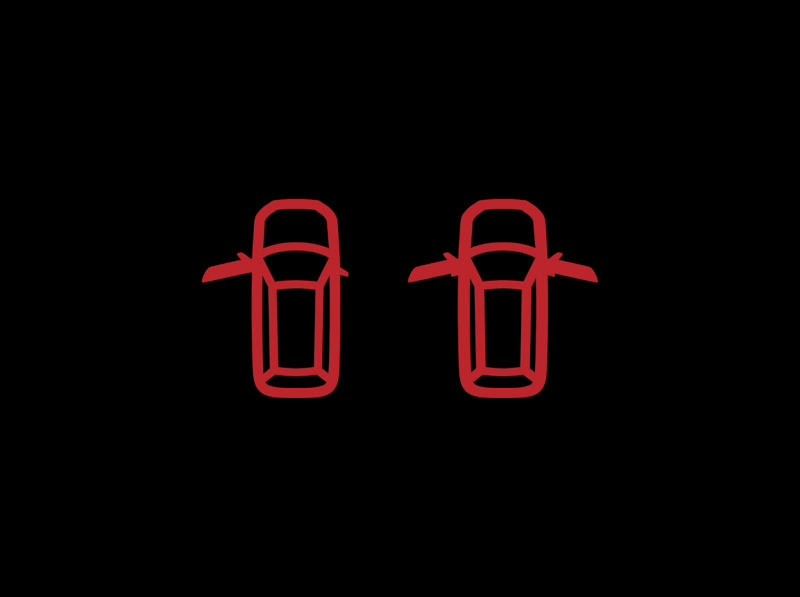 | Red · A door is open or not securely latched. |
The vehicle outline identifies an open door on applicable displays. Stop safely before checking the indicated panel.
If the message remains after the door is properly closed, the latch or its monitoring system may need attention. Do not repeatedly slam the door or assume the warning is harmless. Hood and tailgate alerts can use their own graphics, so read the panel identified on the display.
20. Exterior Bulb or Vehicle Lighting Warning
 | Amber · An exterior light or lighting function needs checking. |
The bulb-shaped warning can indicate a failed lamp or a monitored lighting-system problem. A flashing indication may have a different meaning, such as a related lighting or cornering function fault.
Check the exterior lights when parked safely and read the message identifying the affected function. Not every Golf has replaceable conventional bulbs in every position. We should not order a bulb solely from the dashboard icon when an LED unit or control fault may be involved.
21. Low Windshield Washer Fluid
 | Amber · Refill the washer-fluid reservoir. |
The windshield-and-spray symbol indicates a low washer-fluid level. Use a suitable screenwash mixture for the expected temperatures and follow the handbook’s filling instructions.
Good visibility matters, so address this before a journey in dirty or freezing conditions. Do not mistake it for a coolant warning or fill the wrong reservoir. If the symbol persists after a correct refill, the level detection or washer system may need checking.
22. Low Fuel Level Warning
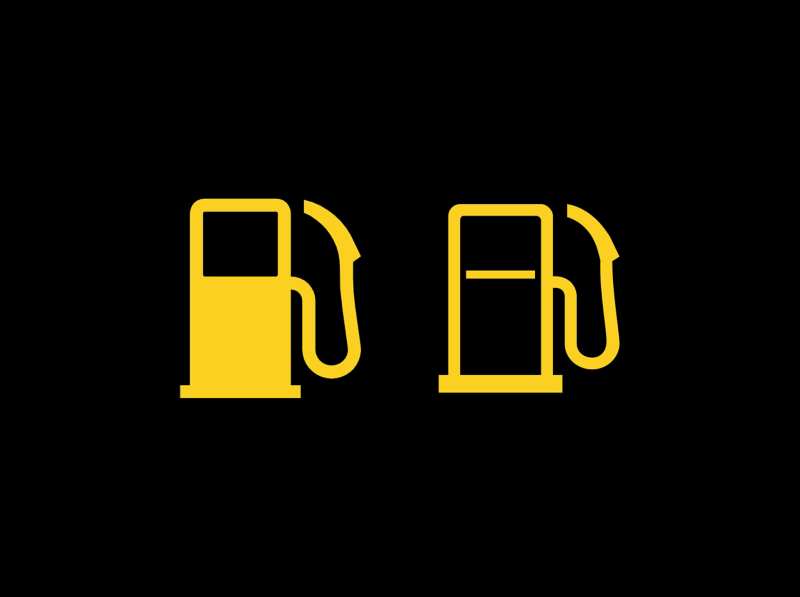 | Amber · Refuel as soon as practical. |
The pump symbol warns that fuel is running low. The remaining-range display is an estimate influenced by driving conditions and consumption.
We should not plan to use an exact number of miles after the light appears. Find a suitable fuel stop and use the correct fuel. This warning is separate from AdBlue: adding diesel to the fuel tank does not replenish the exhaust-treatment fluid.
23. Amber Central Warning Triangle
 | General caution · Read the instrument-display message. |
The amber triangle directs attention to a condition described elsewhere in the display. It is not a component-specific diagnosis.
Check the message and follow its action. A maintenance-related condition, unavailable assistance feature, or other warning can need different responses. We should not assume every amber triangle permits unlimited driving, especially if the vehicle behaves abnormally or another urgent lamp is present.
24. Automatic Gearbox Malfunction Warning
 | Amber · Read the transmission message before continuing. |
A gearbox warning can accompany an operating restriction or transmission malfunction. The message may specify whether driving is permitted, whether a gear is unavailable, or whether a safe stop is required.
Do not apply one universal reset or cooling procedure to every DSG. If drive is lost, gear engagement is unreliable, or the display instructs you to stop, obtain assistance. Record the exact wording before arranging diagnosis.
Diesel Golf Warning Lights: TDI, DPF, and AdBlue
25. Glow Plug and Diesel Engine-Management Light
 | Diesel models · Preheating before startup; engine-management warning while running. |
The coil symbol can appear normally for a short time when a diesel Golf is switched on and the glow plugs preheat.
Volkswagen explains that continuous illumination or flashing while the engine runs indicates an engine-management fault. It does not automatically prove that the glow plugs themselves need replacing. Arrange prompt inspection and drive only as the vehicle’s condition and instructions permit; significant power loss or rough running warrants a safe stop.
26. Diesel Particulate Filter Warning
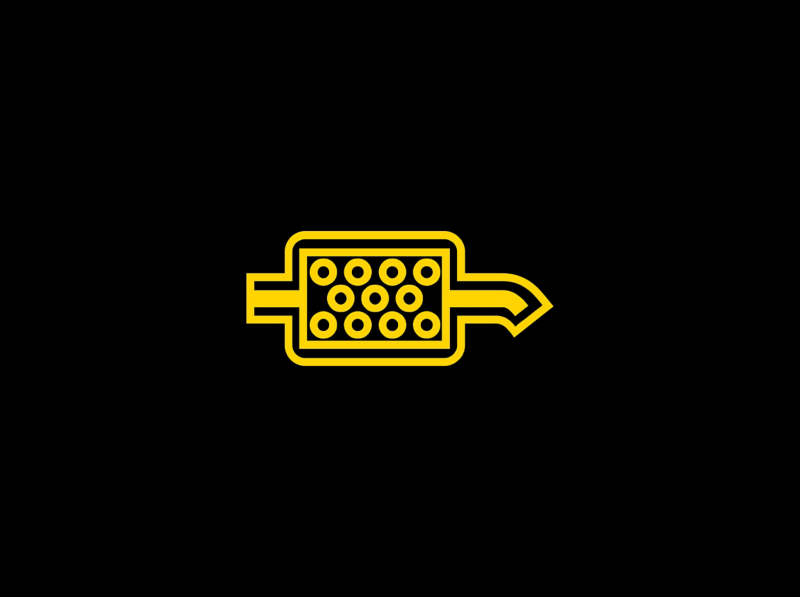 | Diesel models · The DPF needs attention. |
The filter graphic can indicate accumulated soot requiring the correct regeneration response. Repeated short trips may prevent the system from completing normal cleaning.
Follow the exact procedure for the engine only when it is safe and applicable. Volkswagen distinguishes an isolated DPF warning from a situation with multiple warning lamps, which may require assistance instead. We should not repeatedly attempt a fast drive when the warning persists, the car is in reduced-power mode, or other faults appear.
27. Amber AdBlue Warning
 | SCR-equipped diesel models · Check fluid level and countdown. |
The AdBlue warning can require topping up the separate exhaust-treatment fluid tank. Read the range or restart countdown and the exact message.
Use the specified fluid and follow the required quantity and filling procedure. Do not pour AdBlue into the diesel tank. If the message reports a system malfunction rather than simply a low level, topping up may not resolve it; arrange diagnosis before a restart restriction takes effect.
28. Red AdBlue Warning
 | No restart may be possible · Follow the warning immediately. |
A red AdBlue warning can mean the permitted remaining range has been exhausted. Volkswagen warns that, in the depleted-fluid condition, the engine will not restart after it is switched off until the specified replenishment requirements are met.
Stop safely and arrange the correct refill or assistance. Do not continue an unsafe journey just to avoid switching off. If a system fault is stated, seek professional help rather than assume that any small top-up will restore starting.
Driver Assistance and Normal Operating Indicators
29. Front Assist Collision Warning
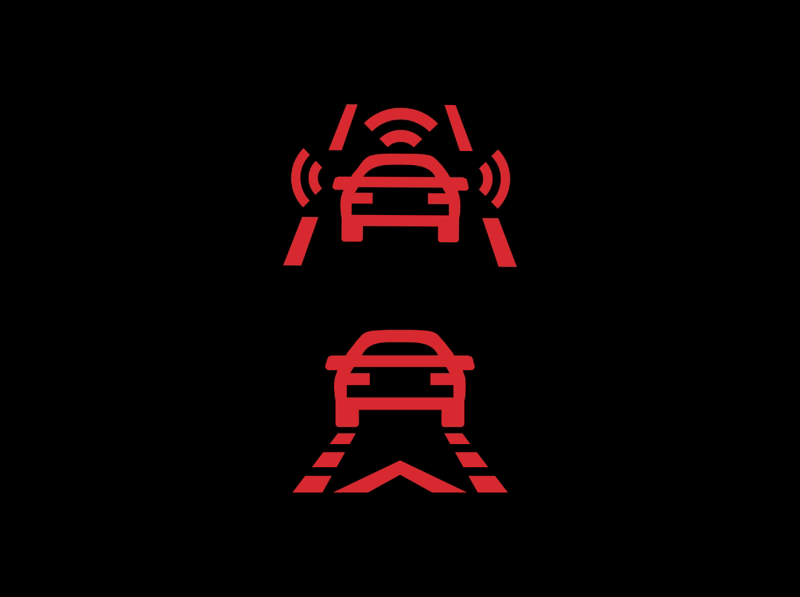 | Red alert · Respond to the traffic situation. |
The forward-collision graphic warns of a developing collision risk. Brake or take appropriate action to avoid the hazard while maintaining control.
We should respond to the road first, not operate the display to dismiss the symbol. A separate unavailable or malfunction message means that assistance cannot be relied upon normally. Sensor visibility and system limitations still apply even when no warning is displayed.
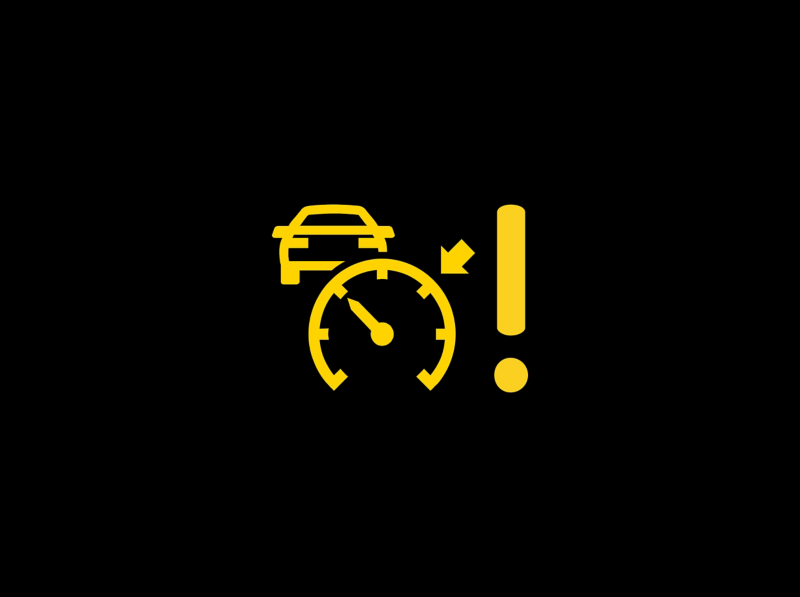 | Amber · ACC cannot currently provide its normal assistance. |
This indication means Adaptive Cruise Control is unavailable. Read the accompanying message and take full control of speed and following distance.
A temporary limitation and a persistent malfunction are different situations. Follow the checks in the handbook and arrange inspection if the issue remains. We should not assume the system is managing the gap just because a previously selected speed is still visible elsewhere in the display.
31. Lane Assist Active Indicator
 | Green · Lane assistance is available or active as specified by the display. |
The green lane symbol is generally an operating indicator rather than a repair warning. Its exact state and lane-line graphics vary by generation.
Keep steering control and continue watching the road. A status icon is not a guarantee that every road marking is recognized. Amber, white, or gray versions can indicate different states, so check the explanation for the actual instrument cluster.
32. Start/Stop Available Indicator
 | Operating status · The automatic stop/start function is available. |
The circular-arrow A reports start/stop status on equipped versions. Read it alongside any message to distinguish availability from an actual automatic engine stop.
An automatically stopped engine is not the same as a securely switched-off car. Before leaving the driver’s seat, follow the normal parking and shutdown procedure. We should not carry out engine-compartment work while relying on an automatic stop.
 | Crossed-out A · Automatic stopping is unavailable in the current state. |
This symbol does not automatically mean that a battery or starter has failed. Vehicle demands and operating conditions can prevent an automatic engine stop.
Read the message before arranging parts replacement. If a specific malfunction is reported or the behavior changes persistently, have the system checked. A correct diagnosis is more useful than assuming that every crossed-out A needs a reset.
34. Service Reminder: Spanner Symbol
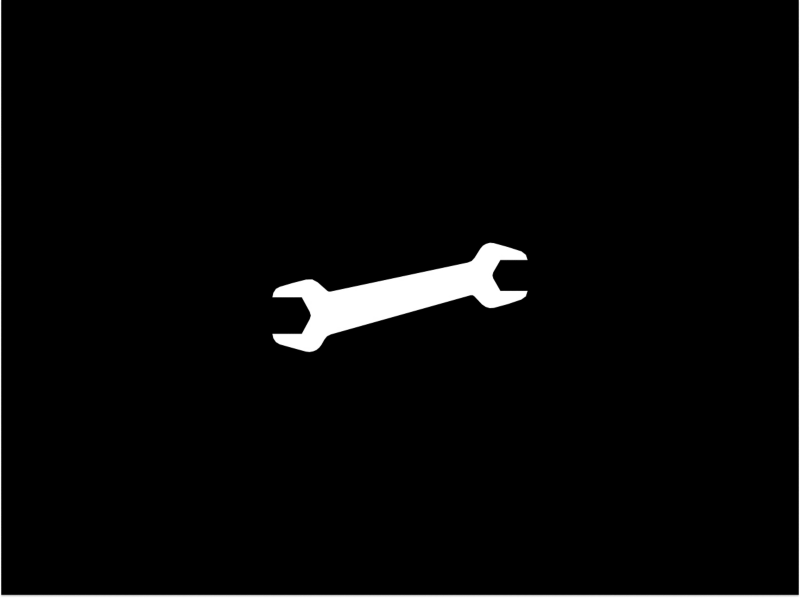 | Maintenance reminder · Check the service information. |
The spanner points to a service requirement. Read the mileage, time, or maintenance message to identify what is due.
Complete the required work before resetting the reminder. We should keep the service reminder separate from urgent oil-pressure, EPC, engine, and transmission warnings. A reset may update the maintenance counter, but it cannot repair a mechanical or electrical fault.
35. High-Beam Indicator
 | Blue · Main-beam headlights are on. |
The blue headlamp symbol confirms high-beam operation. It is normal when the main beams or headlight flasher are being used.
Dip the lights to avoid dazzling approaching traffic or vehicles ahead. Automatic high-beam assistance, where fitted, has its own status indication. We should still monitor the actual beam selection and take manual control when the conditions require it.
36. Outside-Temperature Snowflake
 | Cold-weather advisory · Watch for possible ice. |
The snowflake alerts us to low outside temperatures and potentially slippery conditions. It is not an engine-cooling fault.
Adjust speed and following distance to the road surface, especially on bridges and shaded sections. The indicator does not measure available tire grip, and its absence does not prove that the road is ice-free. Check the model-specific threshold rather than assume every Golf uses the same display behavior.
Reference illustrations and technical guidance: Volkswagen warning and indicator lights and Volkswagen UK warning-light guidance. Symbol availability and instructions depend on the vehicle; consult the matching owner’s manual.
What Should We Do When Several Golf Warning Lights Appear?
Multiple warnings can be related. One underlying issue can affect several systems, so a dashboard full of lights is not proof that every named component has failed.
- Prioritize stop instructions. Oil pressure, overheating, serious braking problems, and red steering warnings take precedence.
- Assess how the vehicle behaves. Rough running, heavy steering, lost drive, or altered braking increases urgency.
- Park safely before investigating. Do not photograph the cluster or search menus while driving.
- Record the exact message. Note whether the light was flashing and what happened just before it appeared.
- Arrange suitable diagnosis. Keep fault information available instead of repeatedly deleting codes.
Can We Reset Volkswagen Golf Dashboard Warning Lights?
There is no universal reset that fixes every warning. A service counter can be reset after maintenance. Tire-pressure reference values should only be stored after the tires are correctly inflated and any damage has been addressed.
Fault lamps need their causes investigated. Disconnecting the battery or clearing diagnostic codes may remove useful evidence while leaving the problem unresolved. We should also avoid borrowing a reset sequence from another Golf generation without checking that it applies.
Understanding Your Golf’s Dashboard
The most useful distinctions are red oil pressure versus amber oil level, EPC versus the engine-shaped warning, normal diesel preheating versus a coil warning while running, and active assistance versus a system fault.
Read the full display, respond promptly to urgent conditions, and use the correct handbook when the icon or message differs from these examples. This lets us act on the actual warning instead of guessing from a familiar shape.
Frequently Asked Questions
1. What does EPC mean on a Volkswagen Golf?
EPC means Electronic Power Control. It points to an engine-control malfunction on applicable models, not one specific failed component. Arrange diagnosis, and stop safely if there is severe power loss, rough running, or another urgent warning.
2. Is an amber oil light the same as a red oil light?
No. An amber level-related warning calls for checking the oil and message; flashing can indicate a sensing problem. The red pressure warning is urgent: stop safely and switch off. A correct oil level does not prove that pressure is adequate.
3. Why is the glow plug light flashing while driving?
On diesel Golfs, the coil light can indicate an engine-management fault when it flashes or stays on with the engine running. It is not automatically a failed glow plug. Have the engine checked promptly and respond to any loss of power or additional warnings.
4. Why is the tire-pressure light still on after inflation?
Check every tire at the correct cold pressure and look for damage or a leak. Then follow the procedure for the fitted monitoring system. A calibration requirement and a monitoring fault are different; do not repeatedly store pressures without checking the tires.
5. What does the warning triangle mean?
It is a central warning that directs us to the message in the instrument display. Red and amber versions communicate different levels of concern, but the text identifies the actual condition. Dismissing the message does not fix its cause.
If you want to know other articles similar to Volkswagen Golf Dashboard Warning Lights and Symbols you can visit the category Service and Parts.
Vauxhall Astra Dashboard Warning Lights

Citroen C1 Warning Lights
Mitsubishi Colt Dashboard Symbols: Complete Guide to Warning Lights and Indicators

Kia Niro Dashboard Warning Lights & Symbols

Jaecoo 7 Dashboard Symbols

Ford Fiesta Dashboard Warning Lights & Symbols
Leave a Reply
More content of your interest